Super Metroid Auto Tracker - Real-time Speedrun Tracking
A real-time item, boss, and location tracker for Super Metroid with automatic speedrun splits. Supports multiple connection methods including RetroArch Network Commands and SNI (SNES Classic/SD2SNES).
The source code can be found on GitHub.

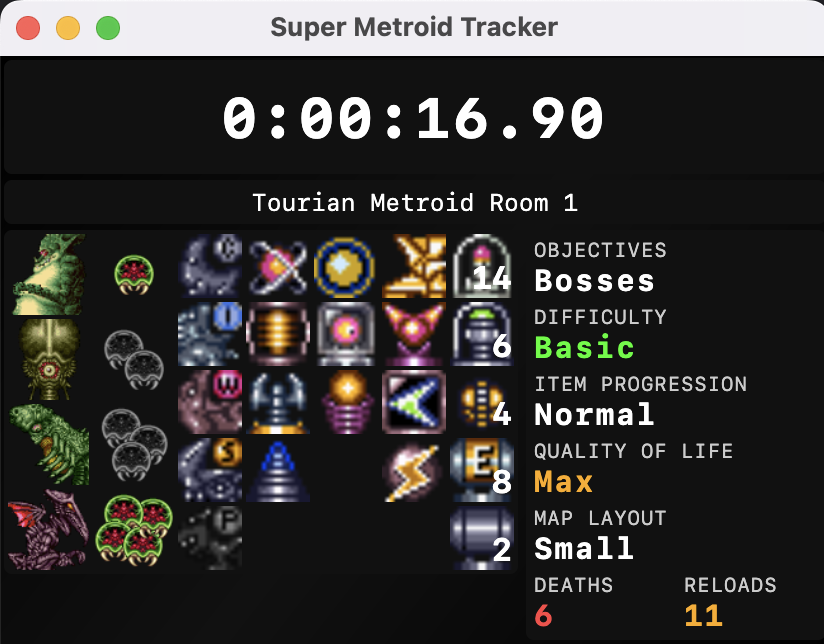
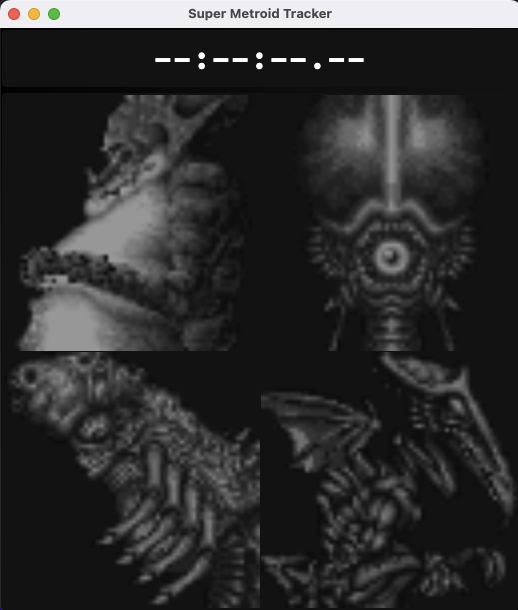

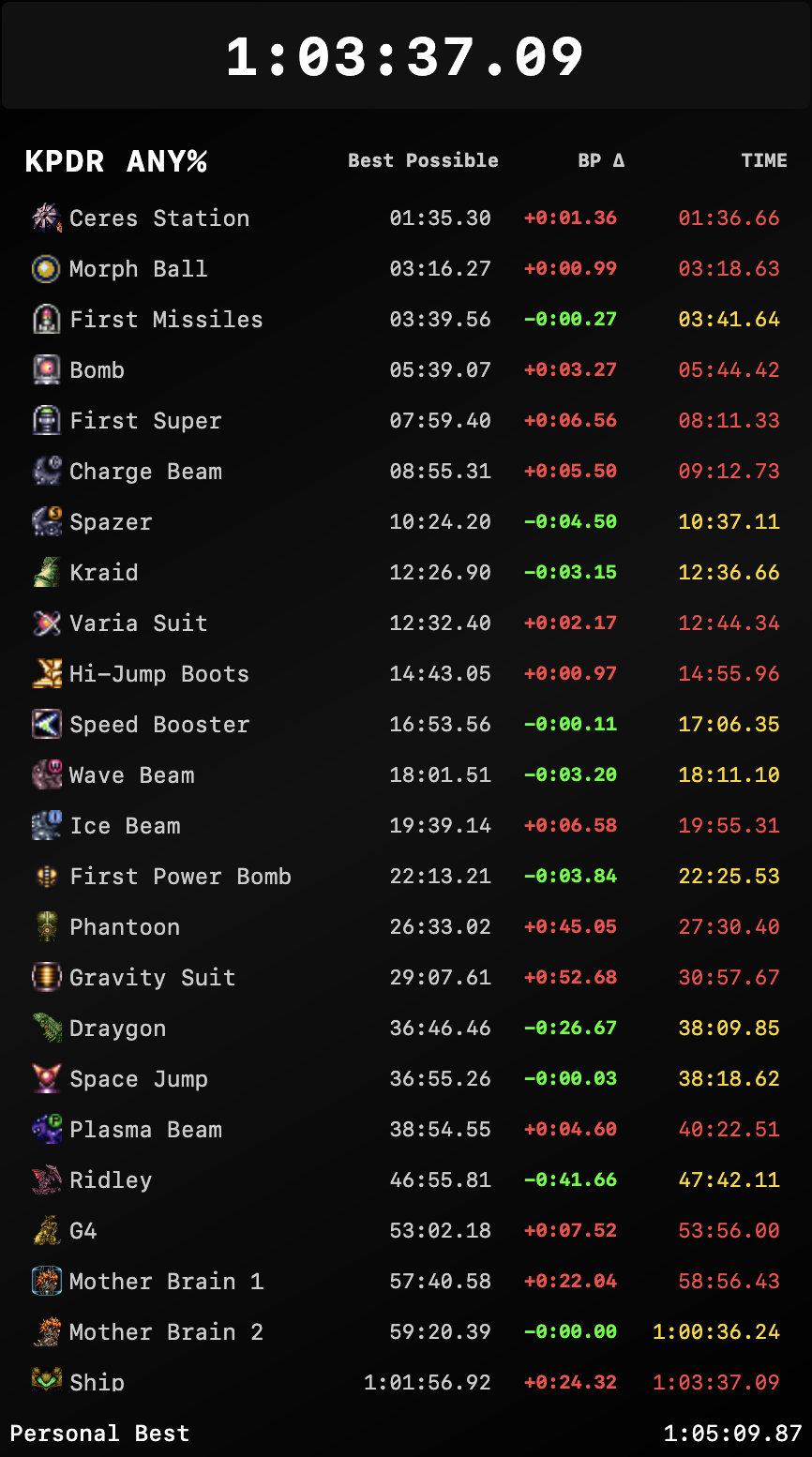
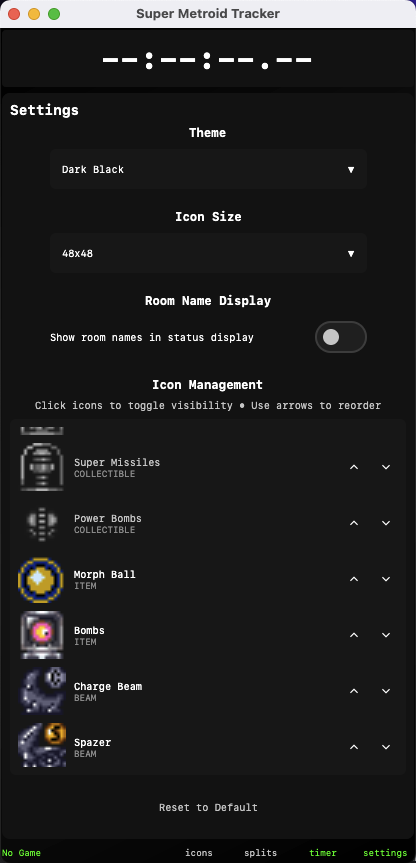
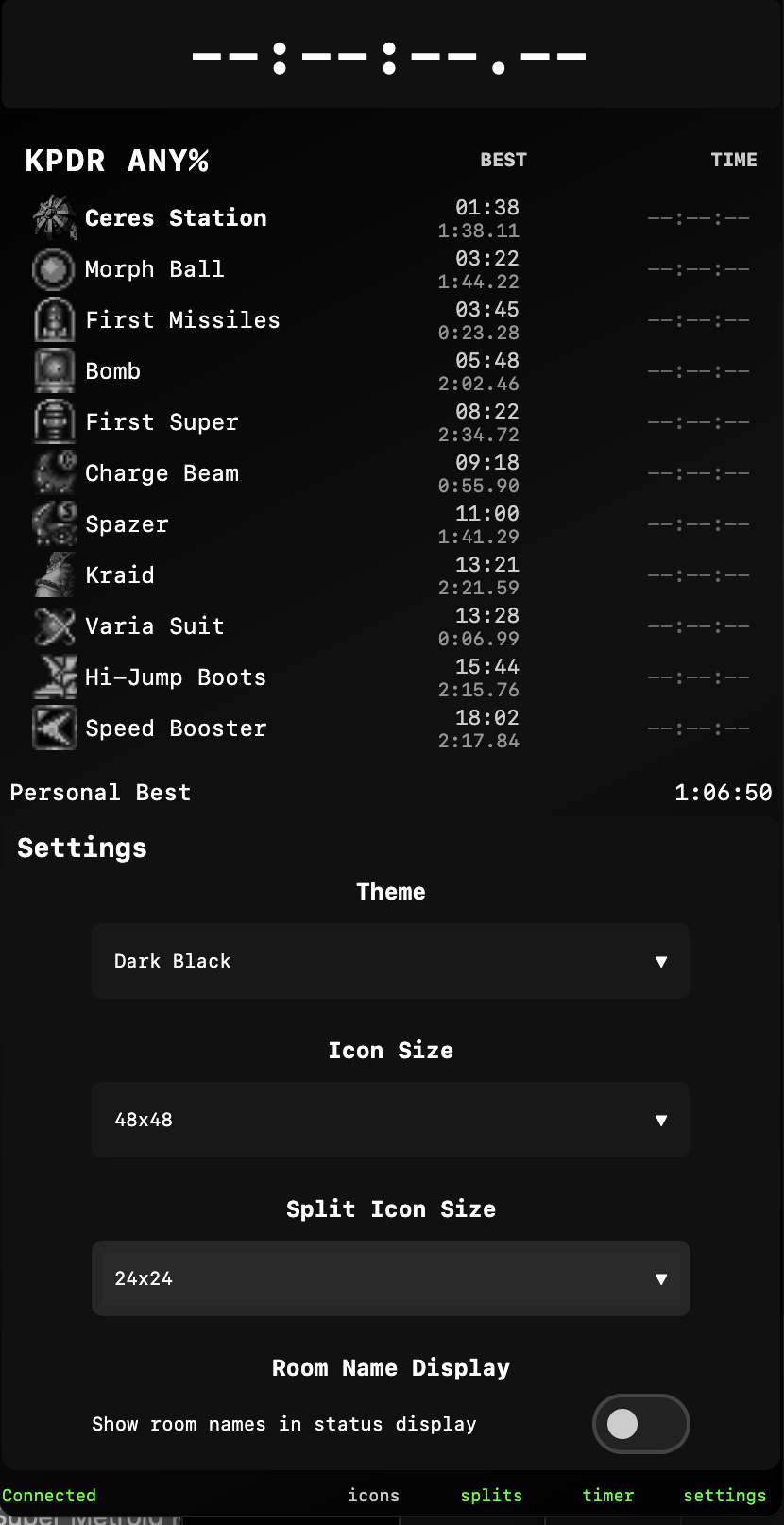
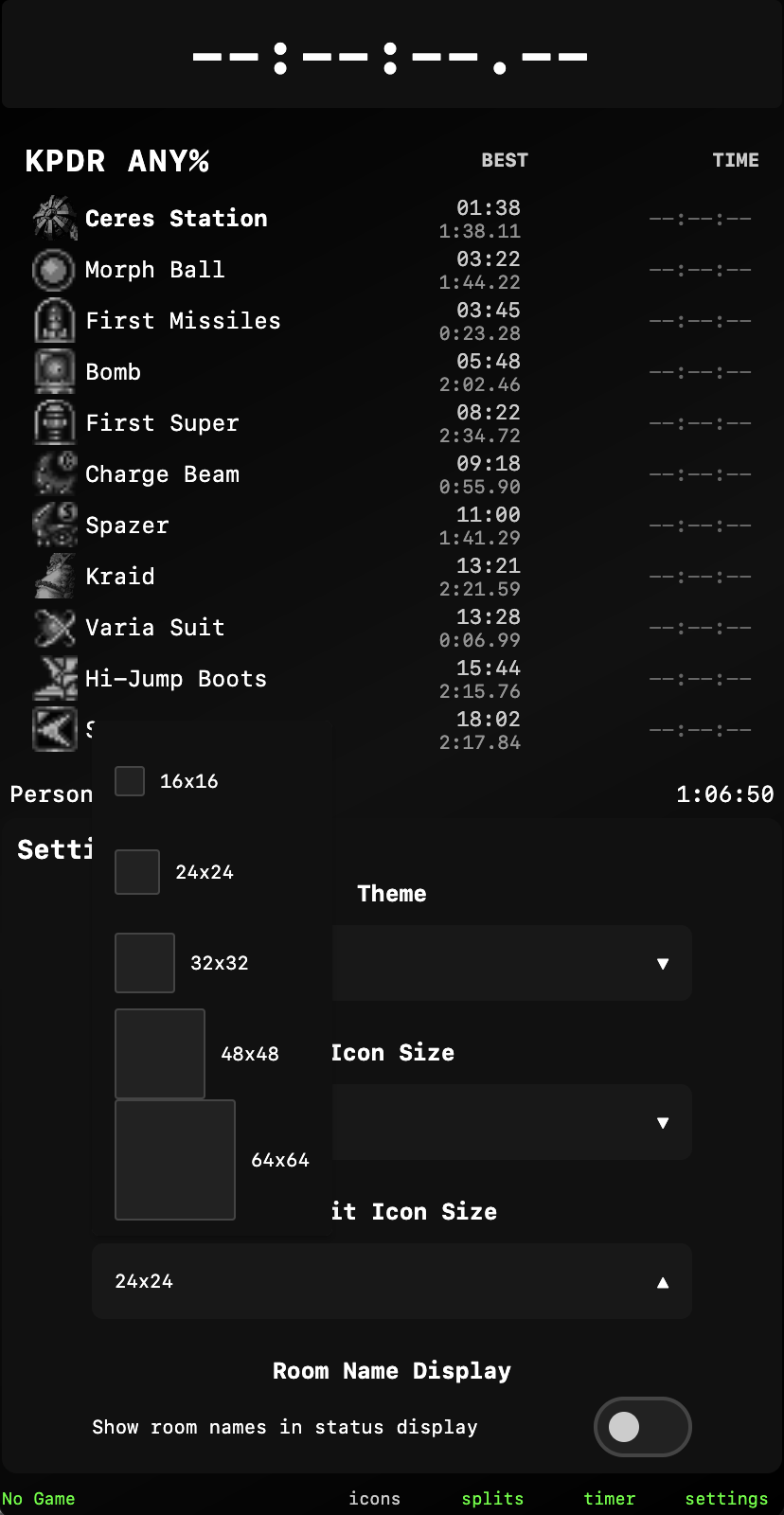
Features
- Multi-Platform Support: Works with RetroArch (any platform) and SNI-compatible devices (SD2SNES, SNES Classic, etc.)
- Automatic Item & Boss Tracking: Real-time detection of all items, beams, suits, and boss defeats
- Auto-Splits: Automatic speedrun splits for KPDR Any% route with best possible time calculation
- Customizable UI:
- Adjustable icon sizes (16x16 to 256x256)
- Multiple themes (Dark, Light, Matrix Green, etc.)
- Show/hide individual icons
- Configurable split display modes (icons, names, or both)
- Room Name Display: Shows current area and room name
- Run Statistics: Personal best tracking with best possible time derived from best segments across all runs
- Persistent Storage: All settings, icon configurations, and run history saved to
~/.smtracker/
Installation
Download Pre-built Executables (Recommended)
- Go to the Releases page or download from GitHub Actions
- Download the appropriate file for your platform:
- macOS:
SuperMetroidAutoTracker-macOS.dmg - Windows:
SuperMetroidAutoTracker-Windows.msi - Linux:
SuperMetroidAutoTracker-Linux.deb
- macOS:
Installation
- macOS: Double-click the
.dmgfile and drag to Applications - Windows: Double-click the
.msifile and follow the installer - Linux:
sudo dpkg -i SuperMetroidAutoTracker-Linux.deb
Prerequisites
- No Java installation required (bundled in all builds)
- One of the following:
- RetroArch with network commands enabled, OR
- SNI with a compatible device (SD2SNES, SNES Classic, etc.)
Usage
Basic Operation
- Start RetroArch (or SNI) and load Super Metroid
- Launch Super Metroid Auto Tracker
- The application will automatically detect and connect to the best available connection method
- Start playing - items and bosses will be tracked automatically!
Keyboard Shortcuts
- Spacebar: Start/pause the run timer
- R: Reset the current run (requires confirmation)
How It Works
Connection Methods
The tracker supports multiple connection methods and automatically detects the best available option:
-
SNI (SNES Network Access) - Preferred method
- Connects to SNI server at
localhost:8191(default) - Works with SD2SNES, SNES Classic, and other SNI-compatible devices
- Uses gRPC for efficient communication
- Connects to SNI server at
-
RetroArch Network Commands - Fallback method
- Connects via UDP to RetroArch at
localhost:55355(default) - Works with any platform running RetroArch
- Compatible with all SNES cores
- Connects via UDP to RetroArch at
Memory Reading Process
- Automatically detects available connection methods on startup
- Connects to the preferred adapter (SNI first, then RetroArch)
- Polls game memory at regular intervals (default: 500ms)
- Parses raw memory values into structured game state
- Applies stability checks to prevent erratic updates
- Updates the UI with the latest verified game state
Building and Testing
Building from Source
-
Clone the repository
-
Build and run the application with a single command:
./gradlew build && ./gradlew runOr build and run separately:
./gradlew build ./gradlew run -
Create a distribution package:
./gradlew packageDmg
For more detailed build instructions and platform-specific installers, see the GitHub repository.
Data Storage
The tracker stores all data in ~/.smtracker/:
smtracker.json- Application settings and preferencesicon-config.json- Icon visibility and orderingsplits-data.json- Current run and personal bests (legacy format)runs/- Individual run files for detailed historyrun-summaries.json- Best splits and statistics (derived from runs)
Built with Kotlin and Jetpack Compose, the tracker provides real-time memory reading, cross-platform support, and has been tested extensively with the Super Metroid speedrunning community. Perfect for speedrunners who want automatic split detection or casual players who enjoy tracking their collection progress through Zebes!
 Arrived
 Ninja Turdle
 Twitch