Kengine - Kotlin Native Game Engine
A lightweight game framework built in Kotlin Native + SDL3, designed for easy game development.
The source code can be found on GitHub.
This was my first major AI project and where I honed various techniques for writing AI code. I learned to write comprehensive tests to help guide the AI and keep it from breaking existing functionality, make frequent commits, and be clear and detailed with requests. My first time using Claude for image recognition was particularly helpful for debugging tiled map render bugs. As well as incrementally optimzing the engine.
The project is still a work in progress, but I loved working with Kotlin and wanted to create a Kotlin Native game engine.
Features
- Kotlin Native + SDL3: Modern language with native performance
- Cross-platform: Supports multiple platforms through Kotlin Native
- Game Framework: Entity system, input handling, graphics, sound
- Tiled Map Support: Load and render Tiled maps (.tmj format)
- React-inspired Hooks: useState, useContext, useEffect, useMemo, useReducer
- Comprehensive Input: Mouse, keyboard, and controller support
- Physics Integration: Chipmunk2D physics engine support
- Modular Design: Separate modules for networking, physics, sound, etc.
Example Games
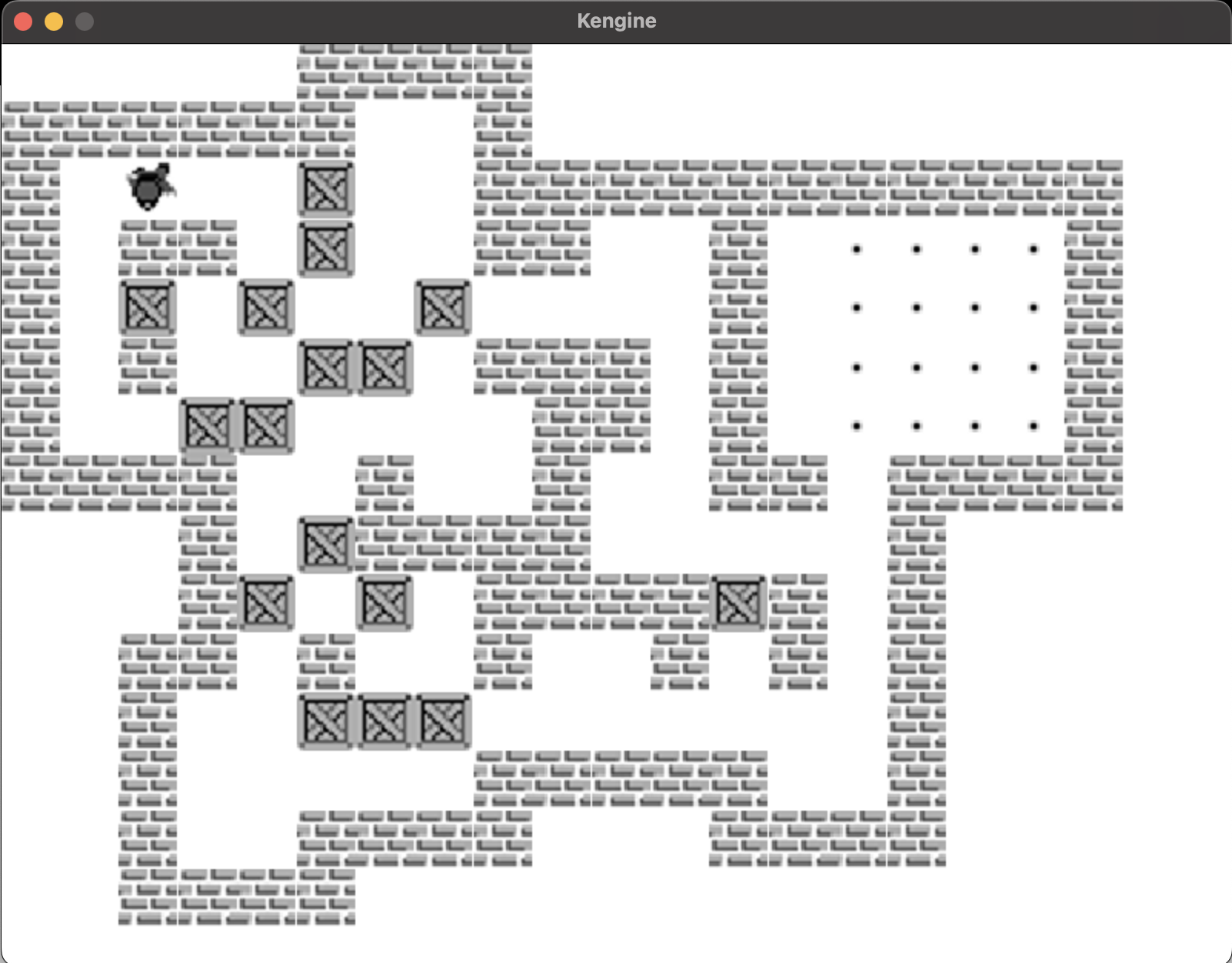
Boxxle
A Boxxle (Gameboy) clone with keyboard and controller support. Features 41 levels with classic box-pushing puzzle mechanics.
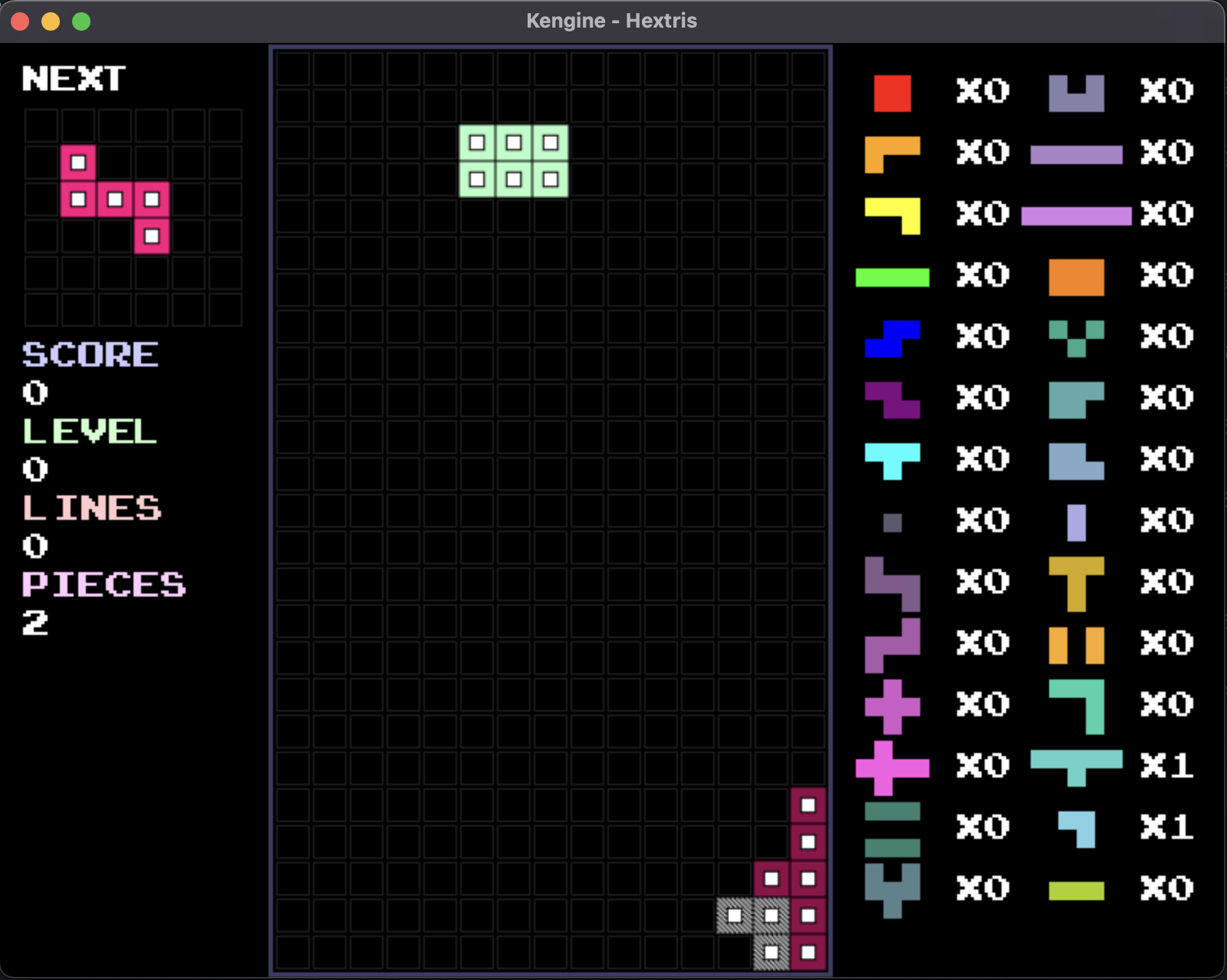
Hextris
A hexagonal Tetris variant with unique piece shapes and gameplay mechanics. Demonstrates advanced game logic and rendering.
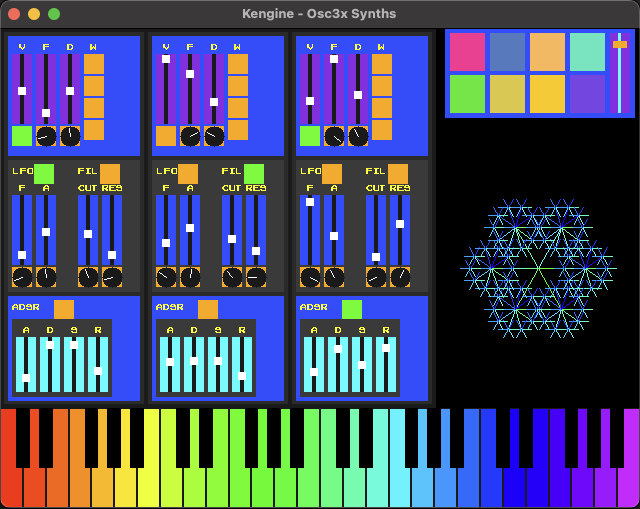
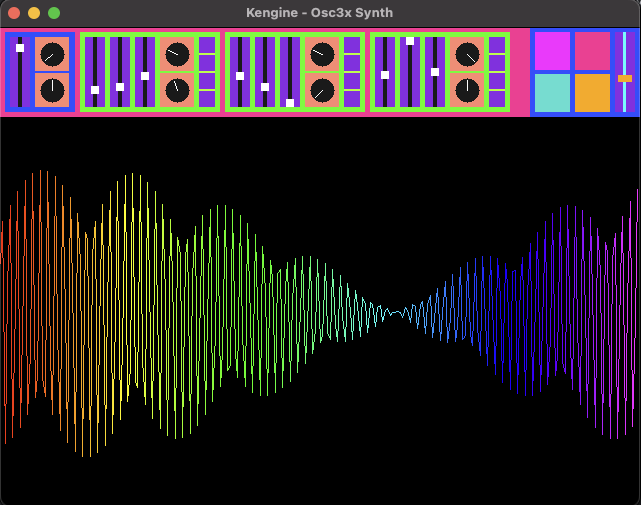
Osc3x Synth
Sound synthesis application with 3x oscillators and visual effects. V1 & V2.
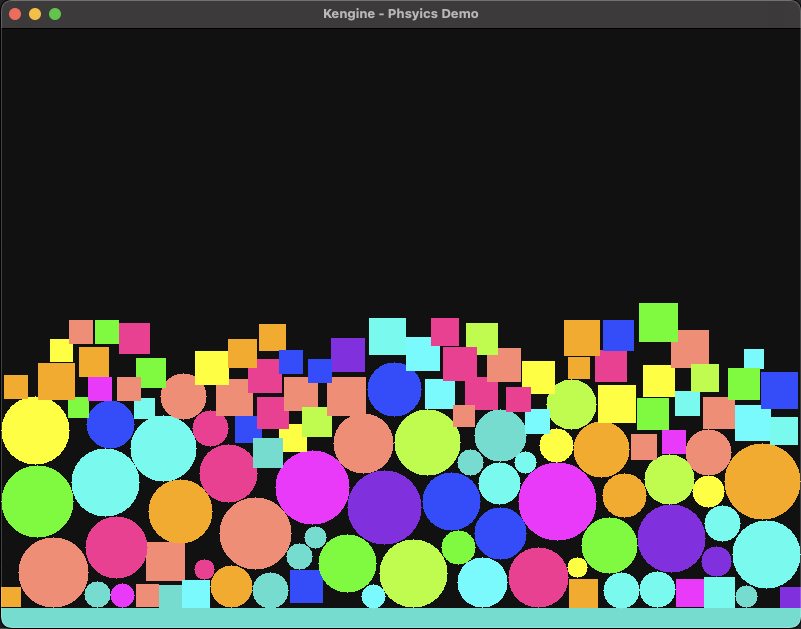
Physics Demo
Demonstration of the Chipmunk2D physics integration with falling shapes, collisions, and realistic physics simulation.
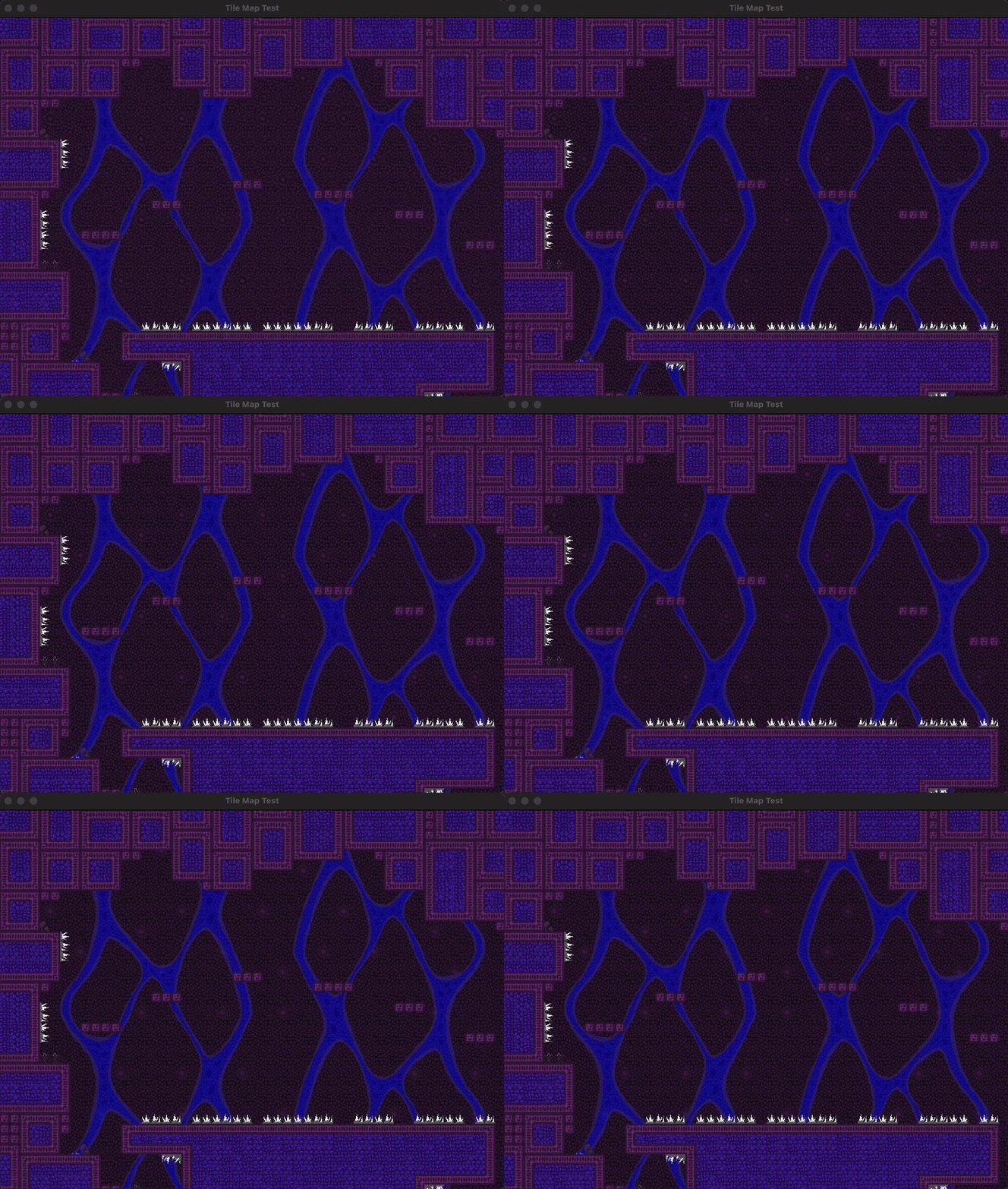
Tiled Map Rendering
Support for animated tiles, multiple layers, and scrollable maps.
Simple Example
fun main() {
    useContext(
        GameContext.create(
            title = "Bouncing Ball Game",
            width = 800,
            height = 600
        )
    ) {
        GameRunner(frameRate = 60) {
            BouncingBallGame()
        }
    }
}

class BouncingBallGame : Game {
    private val ball = BallSpriteEntity()

    override fun update() {
        ball.update()
    }

    override fun draw() {
        useSDLContext {
            fillScreen(0u, 0u, 0u)
            ball.draw()
            flipScreen()
        }
    }

    override fun cleanup() {
        ball.cleanup()
    }
}

class BallSpriteEntity : SpriteEntity(
    sprite = Sprite.fromFilePath("assets/sprites/ball.bmp"),
    p = Vec2(400.0, 300.0),  // initial position
    v = Vec2(30.0, 30.0)     // initial velocity (pixels/sec)
), Logging {
    private var bounceCounter = 0

    override fun update() {
        val clock = getContext<ClockContext>()

        // update position
        p += v * clock.deltaTimeSec

        // handle screen boundaries
        useSDLContext {
            if (p.x < 0 || p.x + width > screenWidth) {
                v.x *= -1
                bounceCounter++
            }
            if (p.y < 0 || p.y + height > screenHeight) {
                v.y *= -1
                bounceCounter++
            }
        }

        useKeyboardContext {
            if (keyboard.isRPressed()) {
                logger.info { "Reset ball" }
                p.set(400.0, 300.0)
                v.set(30.0, 30.0)
            }
        }

        logger.info { "Wall bounces: $bounceCounter" }
    }
}
Key Components
React-inspired Hooks
- useState: State management with change notifications
- useContext: Scoped singleton-like components
- useEffect: Side effects in response to state changes
- useMemo: Caching expensive computations
- useReducer: Complex state logic with actions
Networking (kengine-network)
- TCP Client/Server: Reliable connection-based networking
- UDP Client/Server: Fast, connectionless communication
- Message Serialization: Built-in support for structured data exchange
- Connection Management: Automatic handling of client connections and disconnections
Tiled Map Editor Support
- TMJ Format: Full support for Tiled Map JSON format (.tmj)
- TSJ Format: External tileset JSON support (.tsj)
- Animated Tiles: Frame-based tile animations
- Multiple Layers: Tile layers, object layers, and custom properties
- Tile Transformations: Flipping and rotation support
- Scrollable Maps: Camera-based map navigation
UI Library & Components
- Component System: Reusable UI components with state management
- Layout Management: Flexible positioning and sizing
- Event Handling: Mouse and keyboard interaction support
- State Integration: Seamless integration with useState and other hooks
- Custom Rendering: Draw custom UI elements with full control
Sound System (kengine-sound)
- Audio Loading: Support for various audio formats
- Sound Effects: One-shot audio playback
- Music Streaming: Background music with looping support
- Volume Control: Per-sound and global volume management
- 3D Audio: Positional audio support
Input Handling
- Mouse: Position tracking, button states, timing functions
- Keyboard: Key press detection with timing utilities
- Controller: Support for PlayStation, Xbox, Nintendo Switch, and generic gamepads
- Multi-Controller: Handle multiple controllers simultaneously
- Custom Mappings: Configurable button and axis mappings
Graphics System
- Textures: Managed texture loading and caching with TextureManager
- Sprites: Drawable objects with transformations (scale, rotation)
- Animated Sprites: Frame-based animations from sprite sheets
- Geometry: Basic shape drawing (circles, rectangles, lines)
- Sprite Sheets: Efficient loading and rendering of tiled images
Physics Integration (kengine-physics)
- Chipmunk2D: Full integration with Chipmunk physics engine
- Rigid Bodies: Dynamic and static physics objects
- Collision Detection: Automatic collision handling and callbacks
- Constraints: Joints, springs, and other physics constraints
- Debug Rendering: Visual debugging of physics shapes and forces
Project Structure
The engine is modular with separate components:
kengine: Core engine functionalitykengine-physics: Chipmunk2D physics integrationkengine-sound: Audio systemkengine-network: Networking capabilitieskengine-reactive: State management utilitieskengine-test: Testing framework
Installation
Requires OpenJDK 17+, Chipmunk2D (via Homebrew), and manual SDL3 installation since SDL3 is not yet released on Homebrew.
./gradlew clean build
 Arrived
 Ninja Turdle
 Twitch